
Running a small business in Fort Worth can feel like a juggling act. You’re trying to get people to notice your business, follow up with leads, and actually make a sale. Ever had a website visitor disappear after showing interest? That’s where CRM Retargeting for Fort Worth Small Businesses comes in, helping you track engagement, follow leads more effectively, and turn interest into real conversions.

When you use a CRM the right way, you can keep tabs on who’s interested, see which marketing really works, and spend your ad dollars smarter. Instead of guessing who might buy, CRM Retargeting for Fort Worth Small Businesses helps you reach people who already showed interest, track exactly how they turn into paying customers, and tweak your campaigns so they make more sense.
In this article, we’ll cover:
- Why CRM retargeting beats just using pixels
- How to track conversions properly
- Ways to turn your CRM data into real sales
- Step-by-step guidance for Fort Worth small businesses
- How to measure your marketing success
By the end, you’ll have a clear plan for using your CRM to get more customers without wasting money.
Why CRM-Powered Retargeting Beats Just Using Pixels
Frustrated with ads that don’t work? Traditional retargeting relies on cookies and pixels. They’re okay, but they often fail across devices or disappear when browsers block tracking.
Here’s the better way. A CRM gives you first-party data like emails or phone numbers. You can upload that info to Facebook or Google to create audiences that aren’t relying on cookies. That means your ads reach the right people, every time.
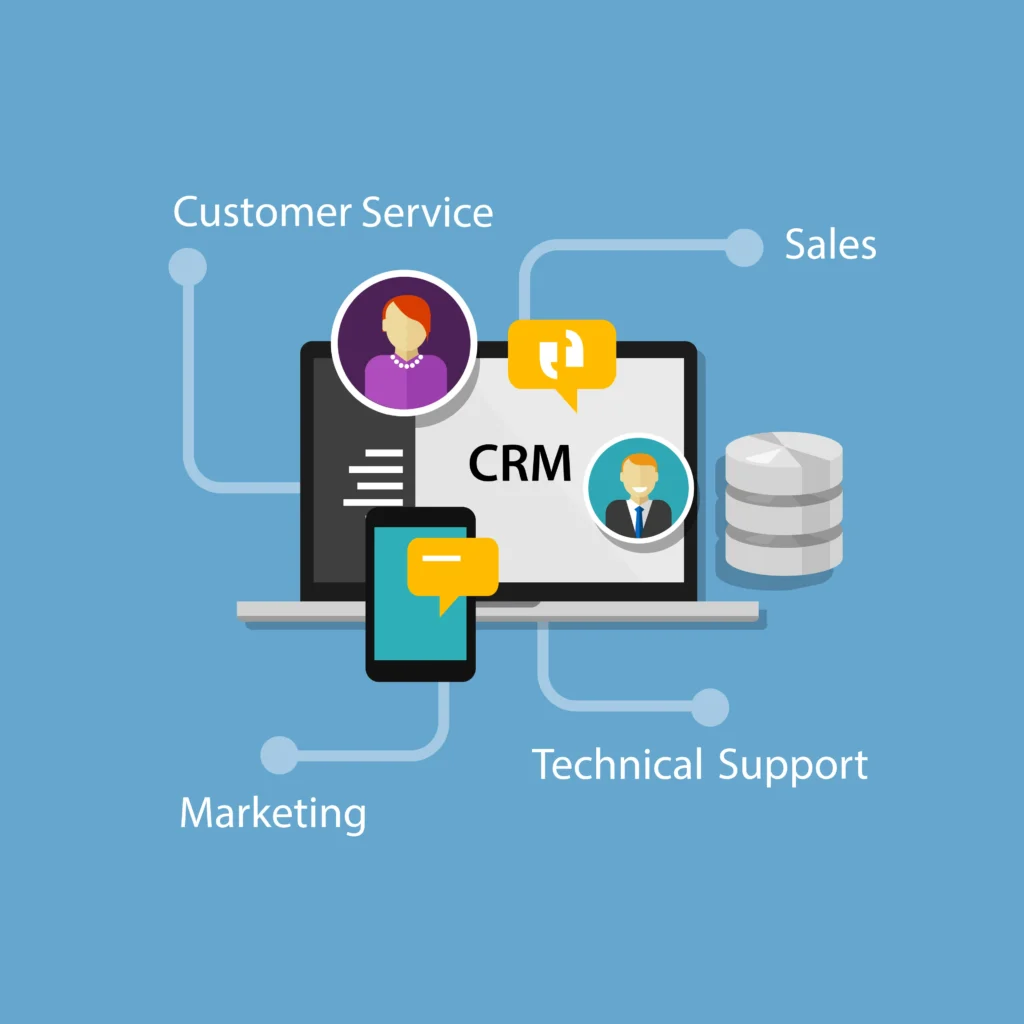
How it works:
- Identify your audience: Match emails or phone numbers to ad platforms.
- Avoid wasting money: Use a “burn pixel” to stop showing ads to people who already bought.
- Target smarter: Show different messages to leads versus existing customers.
Example: Imagine you run a furniture store in Fort Worth. Someone requested a delivery quote but didn’t buy. Your CRM can upload that lead to Facebook and Google. Then, show them an ad for the exact sofa they looked at. People who already bought? They won’t see your ads again.
Quick tip: Assign roles in your team. Let someone handle the data, someone else manage ads, and check in weekly. This avoids duplicate messages and wasted spend.
Ready to see how local businesses handle this? Check out Boost Your Business with Fort Worth Digital Marketing Strategies.
How CRM Helps You Track Conversions
Ever wondered if your ads actually lead to sales? Pixels can tell you some of it, but a CRM gives you the full picture — even offline sales.
Here’s what you can do:
- Combine pixels and server tracking: Use pixels for website events, and server tracking for more reliable data.
- Track offline sales: Phone calls, in-person purchases, or consultations can all feed back into your CRM. Then upload those conversions to Google or Facebook.
- Keep UTMs clean: Make sure every campaign has proper tags so you know exactly which ad brought the lead.
Example: AdRoll recommends tracking both click-through and view-through conversions. That means even if someone didn’t click your ad but later bought, it still counts.
Local tip for Fort Worth: If a customer buys in your store, log it in the CRM. Remove them from retargeting lists. This alone can reduce wasted ad spend by 10–25%.
Want a simple way to track conversions? Take a look at Top 5 Digital Marketing Mistakes for Fort Worth Businesses to see common pitfalls and how to avoid them.
Turning CRM Data Into More Sales
Your CRM is full of useful info. Page visits, purchase history, lead scores — all of which play a key role in CRM Retargeting for Fort Worth Small Businesses when you want to drive more conversions.
Ways to do it:
- Segment your audience: Cart abandoners, product viewers, repeat customers. Treat each group differently.
- Use dynamic ads: Show exactly what someone looked at on your site.
- Create lookalikes: Export your best customers and find new people like them.
Example: A local florist tags customers as “wedding inquiry,” “event client,” or “retail shopper.” Wedding inquiries get carousel ads with testimonials. Retail shoppers get special occasion offers. Everyone sees relevant ads, which makes them more likely to buy.
Quick tip: Change your creative every few weeks. Test different messages and calls-to-action. Keep frequency in check to avoid annoying your audience.
Curious how this could work for your business? How to Choose the Right Fort Worth Digital Marketing Partner explains what to look for when picking help locally.
Setting It Up: Tools, Workflows, and Checklists
You don’t need expensive software to get started. For CRM Retargeting for Fort Worth Small Businesses, the right tools and workflows make it easier to connect your data, track conversions, and run more effective campaigns. Here’s what works for small businesses:
Tools:
- CRM: HubSpot, ActiveCampaign, or Zoho. Pick one that connects easily to your ads.
- Tag management: Google Tag Manager.
- Ad platforms: Google Ads, Facebook/Instagram.
- Connectors: LeadsBridge or Zapier for real-time syncing.
Setup checklist:
- Clean your CRM data. Remove duplicates and standardize fields.
- Make sure every campaign has proper UTMs.
- Validate pixels and server events.
- Build dynamic audience lists in your CRM.
- Add a burn code to thank-you pages.
- Upload offline conversions weekly.
Extra tip: Add a “Fort Worth” tag for local leads. Then run geo-targeted ads nearby your store. It’s a small step but can save you a lot of money.
Want a full step-by-step setup? See Bring in More Business with Expert Fort Worth Digital Marketing Strategies.
Measuring Your Marketing Success
How do you know your ads are working? With CRM Retargeting for Fort Worth Small Businesses, the key is focusing on the numbers that truly matter rather than vanity metrics.
- ROAS (Return on Ad Spend): Include offline sales for a full picture.
- CPL and CPA: Keep track by audience type.
- Conversion rates and assisted conversions: See the role retargeting plays, even if it’s not the last click.
Benchmarks:
- Retail: Retargeting ads often get 0.5–2% CTR, with conversions higher than prospecting campaigns.
- Services: Expect longer conversion windows. Track offline sales and phone calls too.
Tips:
- Check audience sizes and pixel health weekly.
- Rotate creative every 2–3 weeks.
- Import offline conversions monthly and calculate ROAS.
Local insight: Pause retargeting for people who recently engaged with your emails or sales team. This avoids annoying loyal leads.
Want a simple dashboard to see it all? Check Top Fort Worth Digital Marketing Strategies to Boost your Online Presence Today for ideas.
Quick Takeaways
- CRM retargeting saves money by using first-party data and avoiding wasted ads.
- Track everything, even offline sales.
- Segment and personalize your audience for better conversions.
- Set clear roles and routines to avoid duplicated work.
- Test small and scale up.
Ready to Put Your CRM to Work?
Retargeting, tracking, and conversions don’t have to feel complicated or overwhelming. When your CRM is set up the right way, CRM Retargeting for Fort Worth Small Businesses makes your marketing clearer, more efficient, and far more effective. Instead of guessing what’s working, you’ll know exactly how leads turn into customers and where your ad dollars make the biggest impact.
That’s where Panther City Marketing comes in. We help Fort Worth small businesses implement CRM Retargeting for Fort Worth Small Businesses by connecting their CRM, ads, and data into one system that actually drives growth. From smarter retargeting to accurate conversion tracking, we focus on strategies that make sense for your business and your budget.

If you’re ready to stop wasting ad spend and start seeing real results with CRM Retargeting for Fort Worth Small Businesses, reach out to Panther City Marketing. We’d love to help you turn your CRM into a powerful sales and marketing tool.
💬 What Our Clients Say
“Megan is a MASTER of Marketing — she just GETS IT!!! She is Creative, Attentive, Responsive AND Responsible!!! A great TEAM player, she is awesome to BRAINSTORM with our creative team at Cuffs to explore new avenues not previously considered and we LOVE her! Having managed several projects for us, she adds value by bringing her expertise to the table timely and professionally!! Love working with her! FIVE STARS!!!!” — Cynthia S. ⭐️⭐️⭐️⭐️⭐️
FAQs
Q1: What’s the difference between pixel and CRM retargeting?
Pixel uses browser cookies. CRM uses emails or phone numbers. CRM retargeting works even when cookies fail.
Q2: How do I track offline sales from ads?
Log them in your CRM and upload the conversions to Google or Facebook. This gives you the full picture.
Q3: How soon will I see results from CRM retargeting?
Some businesses see improvements in weeks. High-ticket services may take a month or more.
Q4: Do I need consent to use CRM data for ads?
Yes. Only use contacts who agreed to marketing. Hash the data for privacy.
Q5: What’s a good starting budget for retargeting ads?
Start small. Focus on reaching your CRM audience a few times per week. Increase spend as you see results.